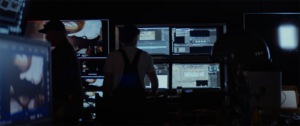
Niagara Takes Flight Experience Behind the scenes

Niagara Takes Flight: On-Site Finishing Made Fast and Portable

How Senior DI Colorist John Daro leveraged iodyne Pro Data to grade a complex immersive ride installation.

Time savings, portability, and reliability were the keys to this project. With Pro Data, John could work directly on-site with 60fps 8K EXR files, avoiding slow transfers, proxy workflows, cloud bottlenecks, and heavy rigs.

“Pro Data made this whole on-site setup possible. No other solution would have let me travel light, set up fast, and work efficiently with these massive files.”

John Daro, Senior DI Colorist

About the Project: Niagara Takes Flight

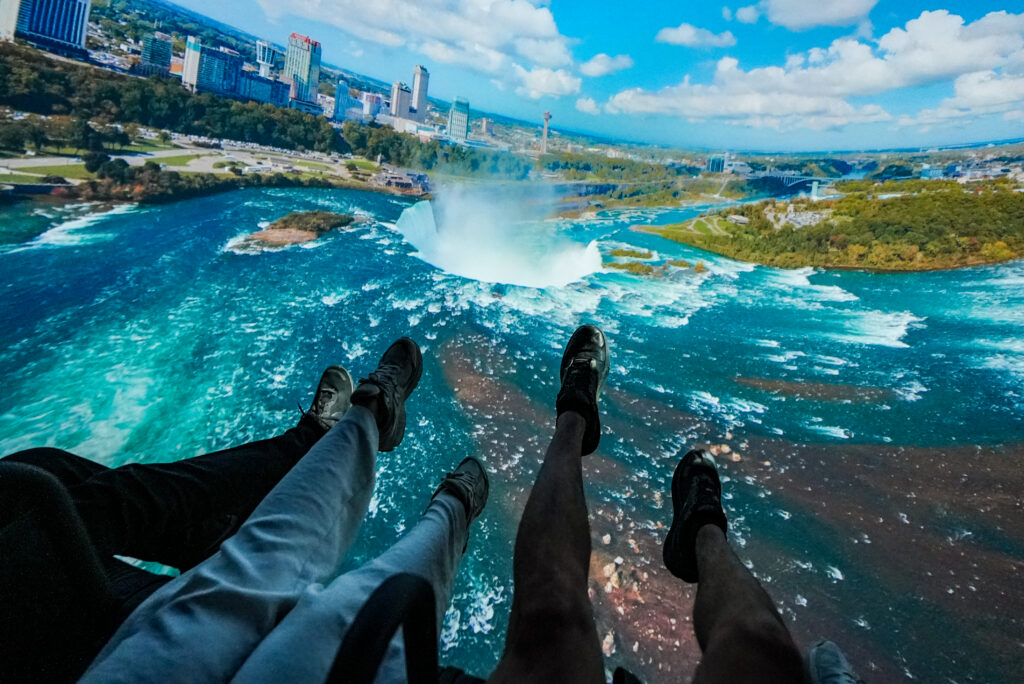
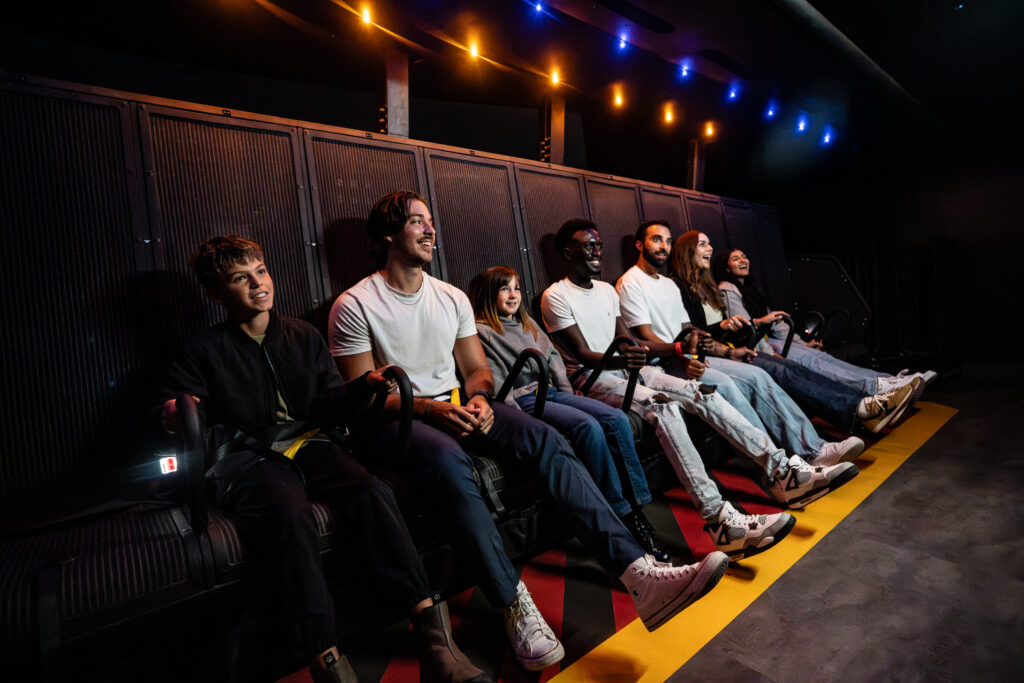
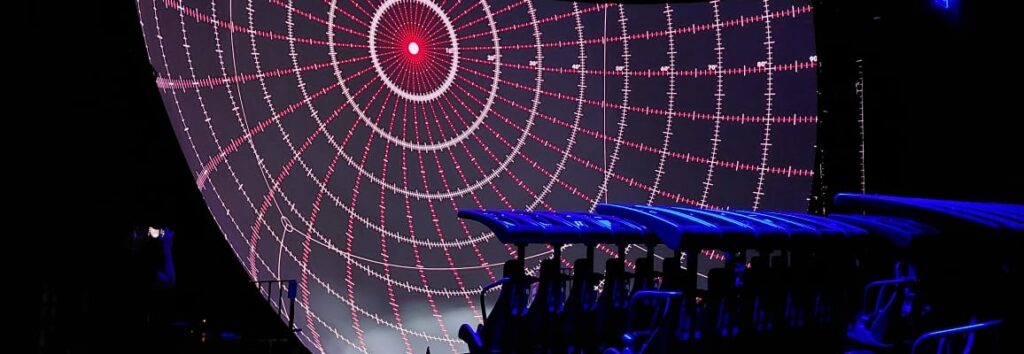
Niagara Takes Flight is Ontario’s first flying theater, offering an immersive journey over 56 kilometers of the Niagara River corridor. Guests are suspended in gondola-style seating, soaring through cinematic visuals shot across all four seasons on a 17-meter-wide domed screen. The experience is enhanced with motion-based seats and sensory effects like wind, mist, and scent, providing an exhilarating illusion of free flight Niagara Parks.
 
Filmed over six months using custom-built drones, the attraction showcases the region’s natural beauty and historical landmarks, including the mighty Horseshoe Falls. The ride features a pre-show exploring 13,000 years of regional history through themed storytelling rooms.

About the Creator: John Daro

John Daro, Lead Colorist at Warner Bros. Water Tower Color, has spent over two decades shaping the look of films and immersive experiences, including Contagion, The Sea Beast, and Dear Mama. Known for his blend of artistry and innovation, he’s developed tools like MatchGrader and SamurAI to push creative color further and share that knowledge with the next generation.
Water Tower Color logo
Niagara Takes Flight Experience

The Challenge

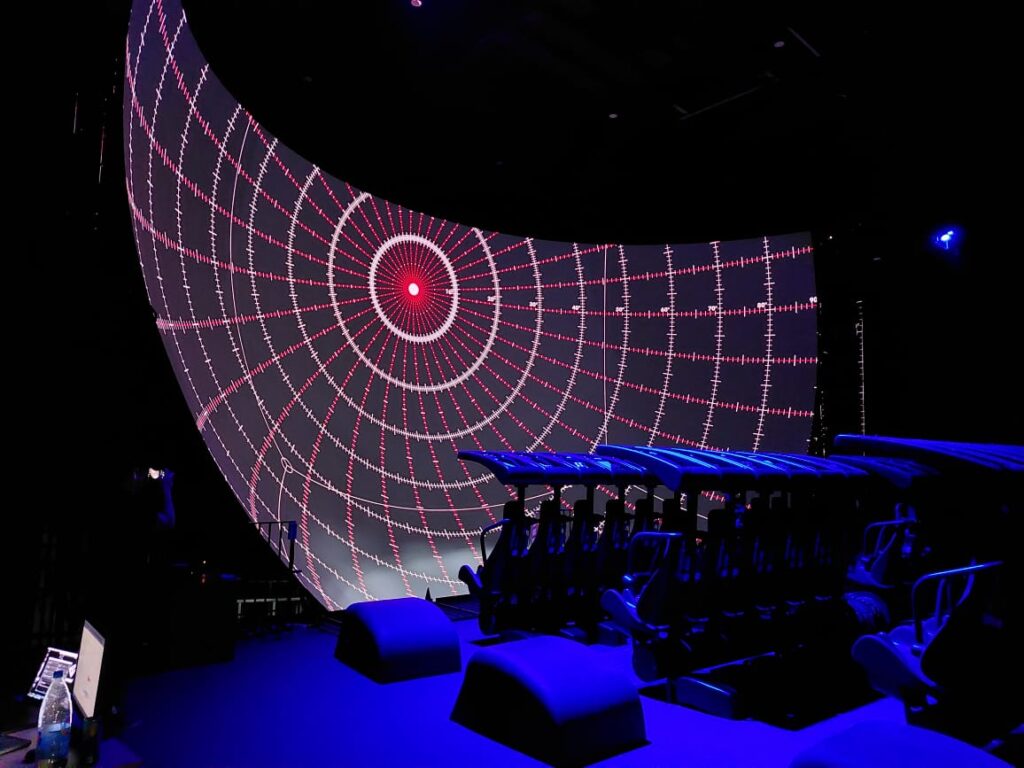
Niagara Takes Flight utilizes four Panasonic laser projectors and a Seventh Sense system to warp and project the content onto a curved screen. This installation setup presented unique grading challenges that could only be resolved by working in the venue itself, a significant departure from a standard theater environment.

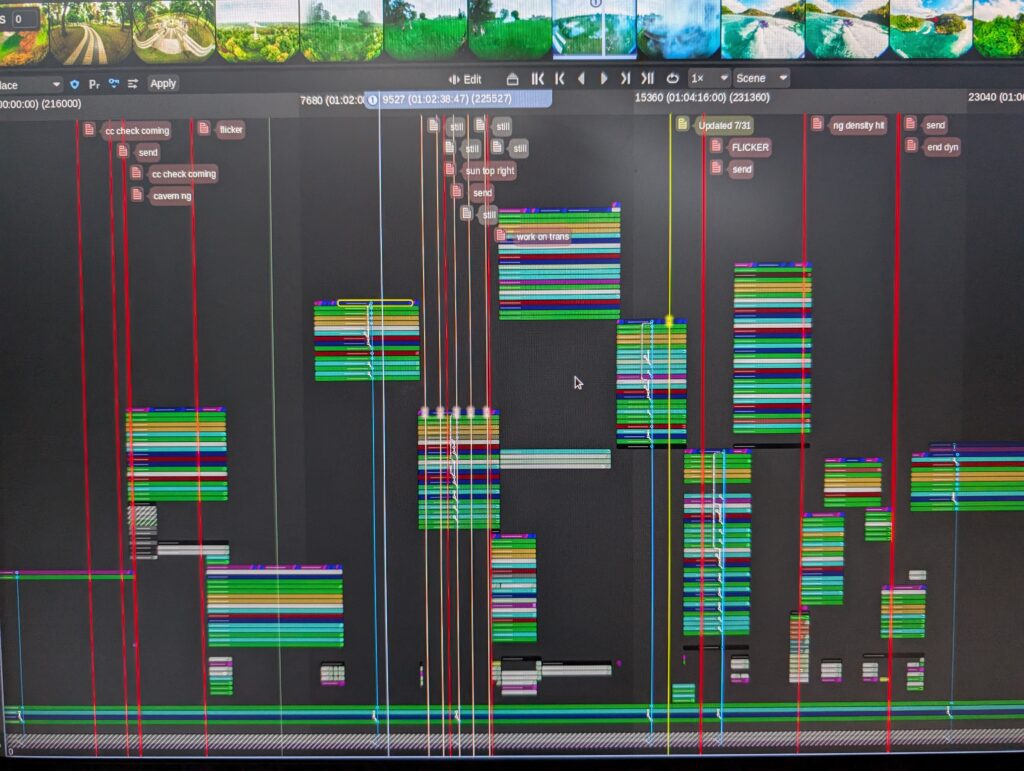
The timeline was also notably complex with numerous tracks, edits, and layers. Managing 5760×4320 16-bit EXR files in HDR while keeping the workflow portable and reliable was critical. And the Pro Data made it achievable.

Key Ingredients
  • Computer & Software
    • MacBook Pro M3 Ultra running macOS Sequoia
    • Baselight for Mac v6.0.23657
  • Storage & Connectivity
    • 12TB iodyne Pro Data
    • RAID-0 for maximum speed
    • Multipathed Thunderbolt connection for the highest data rate (optimal ports 1 & 3)
  • Peripherals
    • Tangent Elements Control Surface (modular, travel-friendly)
    • Blackmagic UltraStudio Mini 4K breakout box
    • Elgato Stream Deck for macros
    • iPad Pro (4th Gen) via Sidecar to monitor scopes as a secondary display
  • Media & Timeline
    • Formats/Codecs: 60fps, 5760×4320 PIZ-compressed 16-bit half-float multi-channel EXR files.
    • HDR/SDR: The project was set up for scene-referred grading, allowing for both HDR and SDR targets to be created from a single master.
    • Complex multi-track timeline, fully cached on Pro Data
Niagara Takes Flight Experience Color Grading

Data Transfer and Storage Workflow

  • Project files on the local MacBook database
  • Caches, proxies, and renders stored on Pro Data
  • Scenes transferred from on-site to home base; no cloud storage needed
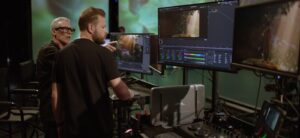
Niagara Takes Flight Experience Behind the scenes
“I rendered the proxies, but I didn’t even need them!”

John Daro, Senior DI Colorist

Reasons to use Pro Data on This Project

  • Real-time EXR Playback: Once the files were cached, the system was able to play back heavy EXR sequences at full 60fps, no issues. Rendering proxies became optional. Pro Data handled full-resolution files directly.
  • Grading in a backpack: The entire on-site rig could fit into a compact setup with minimal travel weight. Small footprint allowed on-site setup in minutes, keeping grading time efficient.
  • Quiet on site: Actively cooled Pro Data kept noise levels low despite the constantly heavy workflow.

Tips from the creator for Pro Data users:

⏯️ Use Pro Data for on-set dailies for your next project.

⚡️ Plug the cables into ports 1 and 3 to achieve the maximum data rate.

🫙 If speed is a priority over redundancy, create a RAID-0 container. Do so when you’re setting up your Pro Data or resetting it for a brand-new project.

🔋 To avoid the MacBook going to sleep mode due to battery drainage, plug in the power adapter to a separate USB-C port, and disconnect the other peripherals. 

😴 Enjoy the extra time and peace of mind you’ll get from finishing smoothly with Pro Data.

Ready to level up your workflow?

iodyne helped the Water Tower Color team stay light, fast, and reliable while exploring the uncharted territory of an immersive media experience. See how it fits into your own production setup.
Reach out to us