
 All stories
The power of Pro Data now supports Windows
With the introduction of Windows support, Pro Data truly breaks barriers between post and production processes. Enjoy creative workflows free of jumping from one workflow setup to another, duplicating or transferring data between platforms. Empower talent to choose the platform they prefer to do their best work, and even combine Mac and Windows in a single workflow to create best-of-breed solutions.
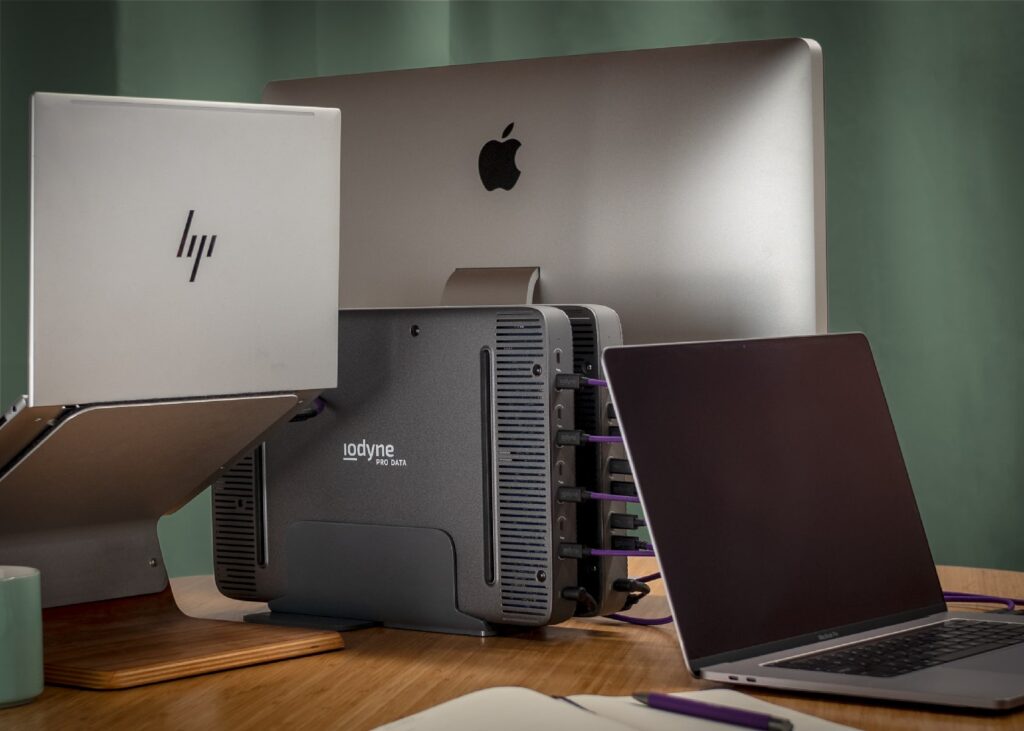
What does Pro Data storage do that no other Windows storage can?
Fast Windows storage has been, let’s admit it, somewhere between absent and a pain to configure. Pro Data brings a Thunderbolt plug–and play experience combined with breakthrough speed and security to Windows workflows. Pro Data is proper, professional, managed external media storage solution for Windows that also enables multi-platform workflows.
First and only Thunderbolt NVMe Multipathing on both macOS and Windows
Thunderbolt multipathing enables even more speed for each connected computer, reducing the time to move data through your workflow. All with that Pro Data ease of set up.
First and only Thunderbolt storage with accelerated Windows Direct Storage Support
Enable the full power of your PC with compatible apps, accelerating your workflow while freeing your CPU to focus on your transforming your data instead of copying it.
With support for up to four Thunderbolt-connected computers, Pro Data enables multipathing and multiple operating systems at the same time:
-
Attach multiple PCs to Pro Data to enable collaboration on a single copy of your data.
-
Encrypted, RAID-6-protected, and huge capacity, unlike internal PC M.2 SSDs.
-
Attach to multiple Windows and Mac computers from a single Pro Data.
Encryption always on
Pro Data is already the best encrypted device for Mac. Now we are the best encrypted device for Windows too! Nothing else comes close to achieving both the portable form factor and the security requirements needed for high–profile projects.
Multiple Containers
Divide Pro Data into multiple containers, allowing you to separate projects or computers all within the same device.
Lightning-fast Hardware RAID and Encryption
This means your data speeds can blaze without stealing your CPU’s power from your workflow.
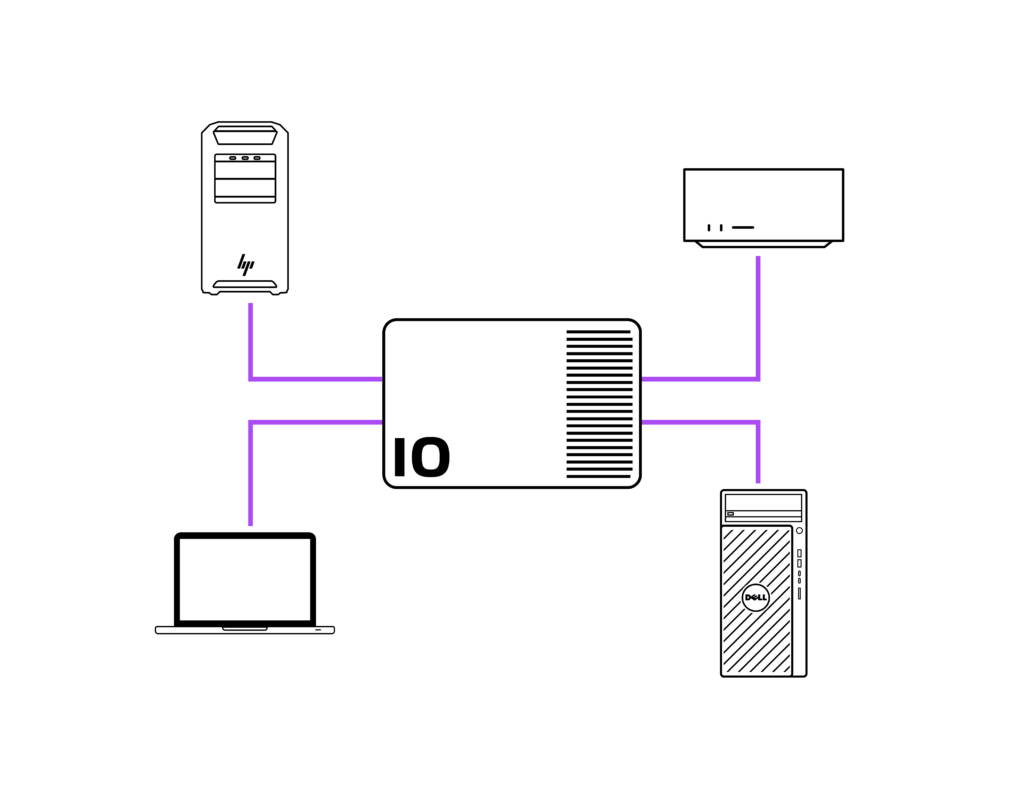
What are new possibilities when you combine Mac and Windows workflows on Pro Data?
Pro Data significantly saves time and simplifies the workflows of teams that capture data on Macs and do anything else GPU intensive such as rendering environments for virtual production, photogrammetry, 3D animations, or major picture editing on Windows.